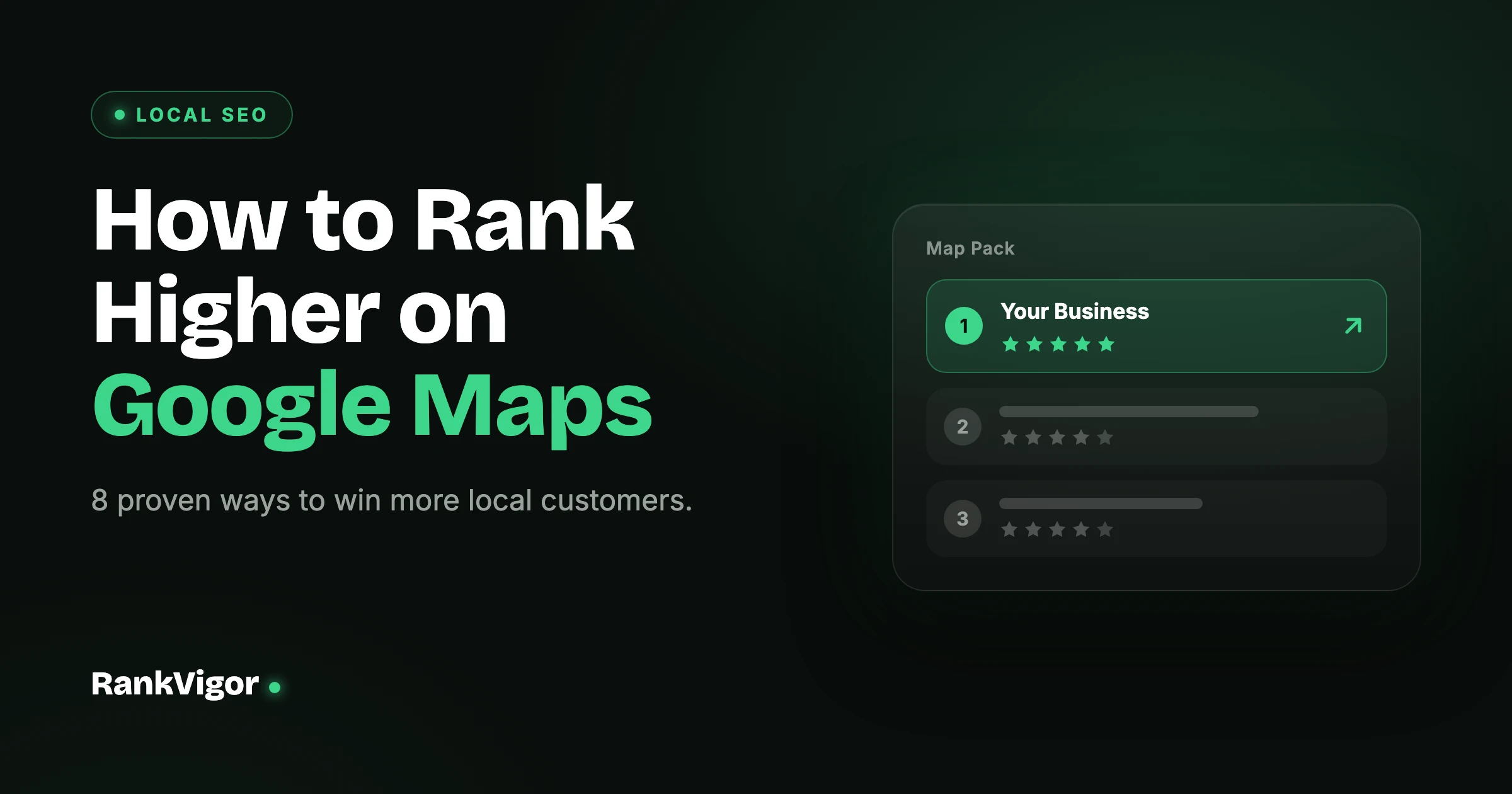
When someone in your area searches for what you sell or the service you offer, Google Maps decides who shows up first. If your business is buried on page two — or missing entirely — you’re losing customers to competitors every single day.
The good news: Google Maps ranking isn’t a mystery. It comes down to a specific set of signals that Google uses to decide which businesses deserve the top spots.
One thing before we start: this guide is about ranking higher. But if your business isn’t showing up at all, fix that first — we’ve covered the seven most common causes in a separate troubleshooting guide, then come back here to climb the rankings.
Bright Smile Dental
4.9 · 127 reviews
Dentist · Open now · 0.4 mi
124 Main St, Austin, TX 78701
(512) 555-0148
Fully Optimize Your Google Business Profile
This is the single most impactful thing you can do. A complete, accurate Google Business Profile tells Google exactly what your business does and where it operates. Fill in every field: business name, address, phone number, website, hours, business description, and attributes. Upload at least 10 quality photos — businesses with photos get 42% more direction requests and 35% more website clicks than those without.
Primary category
Secondary categories
“Healthcare” — too broad to rank
Choose the Right Business Categories
Your primary category is one of the strongest ranking signals. It has to be the most specific match for what your business actually does. A dentist should choose “Dentist”, not “Healthcare”. Get this wrong and Google shows you for the wrong searches — or doesn’t show you at all.
4.9 ★ · 127 reviews · +3 this week
Sarah M.
2 days ago
“Best dentist in Austin — booked online and barely waited. The whole team was great.”
Owner reply · Thanks Sarah! See you at your next visit.
Build and Manage Reviews
Reviews affect both your ranking and whether people actually click on your listing. More reviews, higher average rating, and recent reviews all help. The key is consistency — a business that gets 2-3 new reviews every week looks healthier to Google than one that got 50 reviews last year and nothing since.
Fix Your NAP Consistency
NAP stands for Name, Address, and Phone number. These three details must be identical across your website, your Google Business Profile, and every directory or citation your business appears on. Even small differences — like “Rd” on one site and “Road” on another — can confuse Google.
Build Local Citations
A citation is any online mention of your business name and address. Beyond the obvious directories, look for industry-specific listings, local business associations, and chamber of commerce sites. Each consistent citation reinforces to Google that your business is real and established in your area.
<h1> Best Austin Dentist — Bright Smile
<h2> Dental services in Austin
<h2> Visit our Austin office
LocalBusiness schema
Optimize Your Website for Local SEO
Your website backs up your Google Business Profile. Make sure it includes your city name naturally in titles, headings, and content. Have a dedicated location page if you serve specific areas. Add LocalBusiness schema markup so Google can read your business details in a structured way.
Post Updates on Your Google Business Profile
Google lets you publish posts directly to your Business Profile — offers, updates, events, and news. Most businesses ignore this entirely, which means doing it gives you an edge. Post once a week.
Use Google Business Profile Q&A
The Q&A section on your profile is often neglected. Anyone can ask a question, and anyone can answer — including random people who might give wrong information. Take control: add your own frequently asked questions with accurate answers.
This week
This month
Keep doing
What to Focus on First
If you had to prioritize, here’s the order that gives you the fastest results:
High Impact: Complete GBP + Right Categories + Reviews
Medium Impact: NAP Consistency + Local Citations + Website SEO
Ongoing: Weekly Posts + Q&A + New Reviews + Photos
Most businesses see movement in 1-3 months with consistent effort. For a wider checklist that goes beyond Maps to cover your website, reviews, and citations too, see our complete local SEO checklist.